 ThreeJS.net
Image to 3D
Turn one to five reference images into a textured 3D model with Rodin 2.5 Standard or Fast. Inspect the geometry from every angle, download the GLB and continue refining the same asset.
This step only. Failed generation releases reserved credits.
Introduction
Image to 3D
Turn one to five reference images into a textured 3D model with Rodin 2.5 Standard or Fast. Inspect the geometry from every angle, download the GLB and continue refining the same asset.
One clear object or multi-angle views
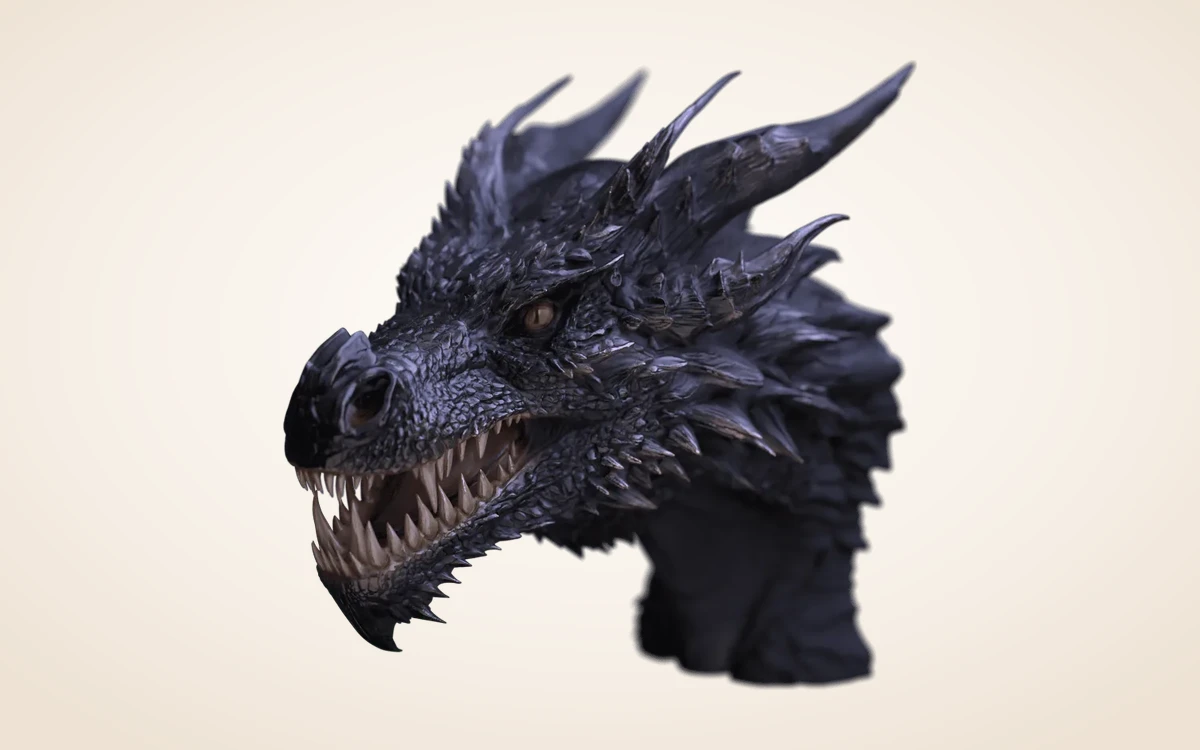
Use a clean silhouette with the complete object in frame. Upload up to 5 PNG, JPEG or WebP references; hidden surfaces are generated rather than measured.
How to use
How to convert an image to 3D in three steps
No desktop plugins required. Upload clean reference views and inspect a textured GLB in your browser.
 1–5 IMAGES
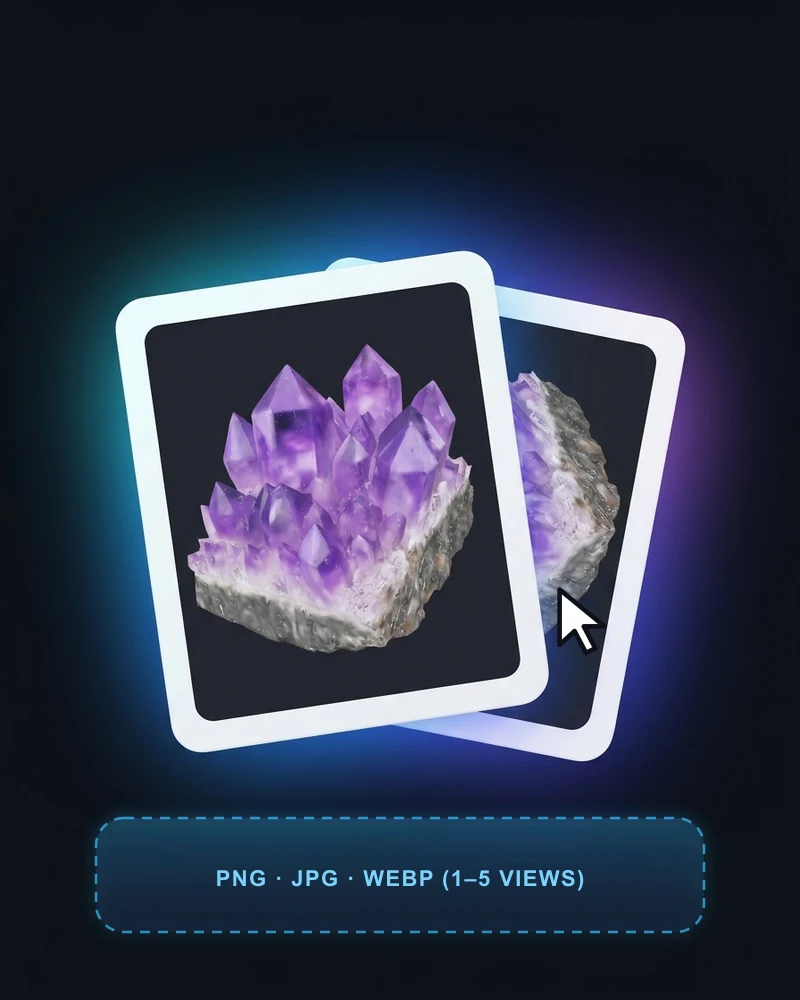
Upload clean reference views
Drop 1 to 5 PNG, JPG or WebP photos of one complete object on a clean background. Multi-angle views give Rodin 2.5 stronger side and back geometry.
 FAST 10 · STD 40
Pick Fast or Standard & options
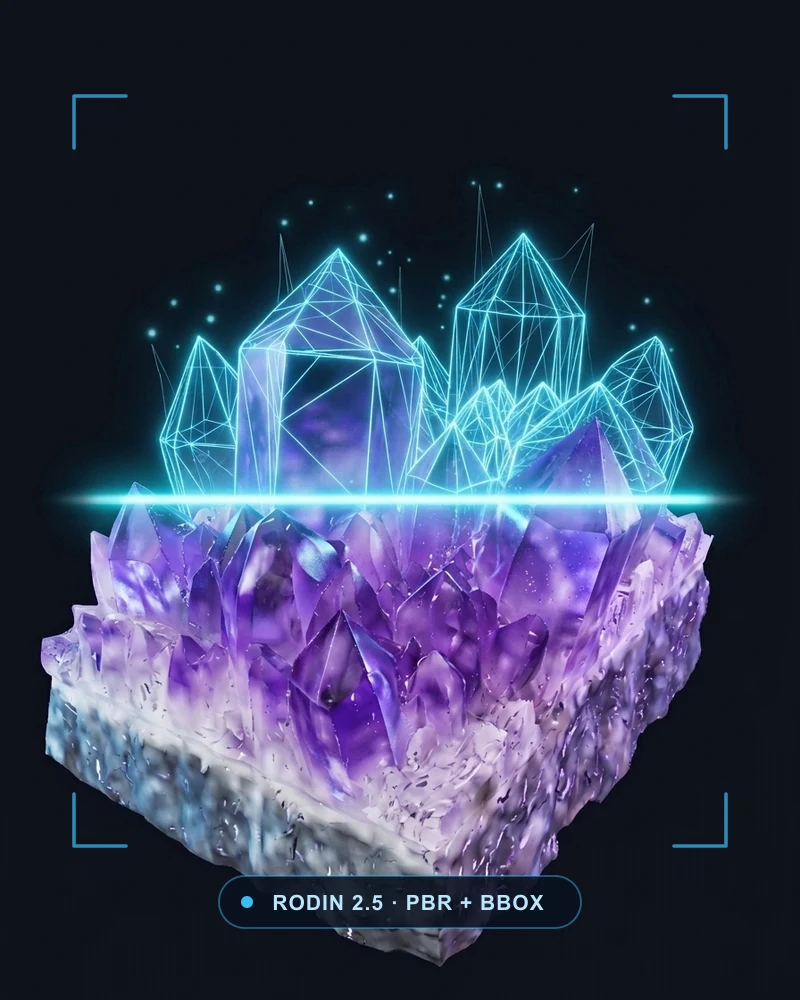
Select Rodin 2.5 Fast (10 credits) for quick silhouette tests or Standard (40 credits) for richer PBR detail, with optional thinking effort and BBox ratios.
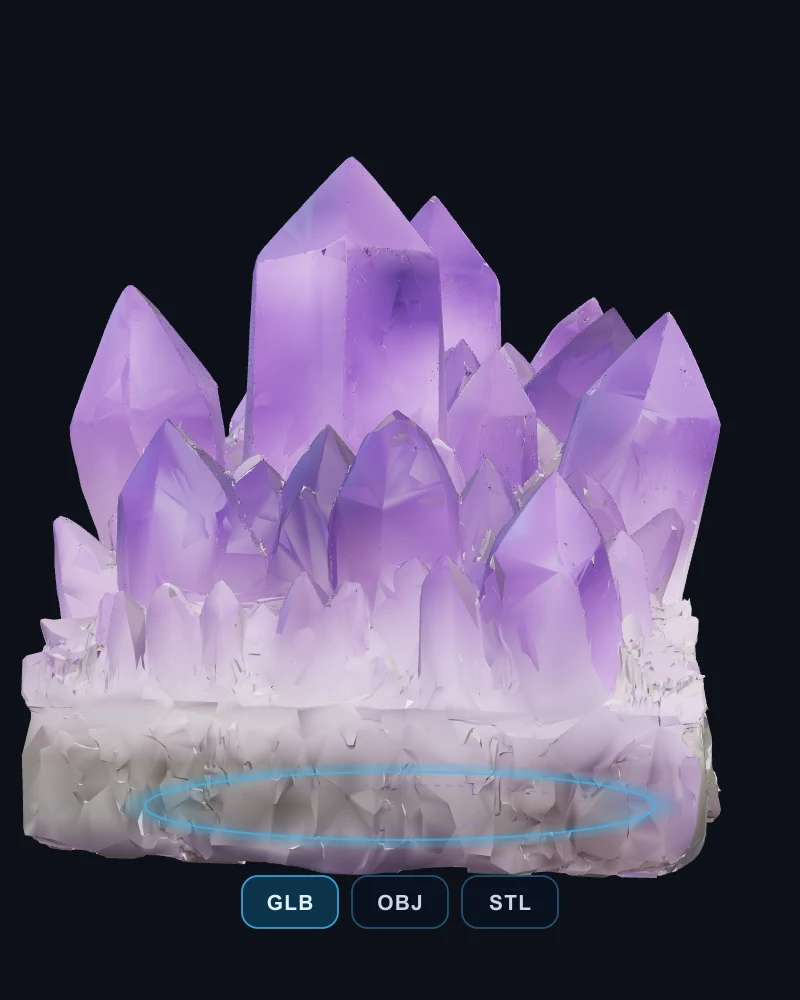 GLB · OBJ · STL
Orbit, download & refine
Check the back and underside in the interactive 3D viewer, download the archived GLB, or send the saved version directly into segmentation, retexturing or low-poly.
Features
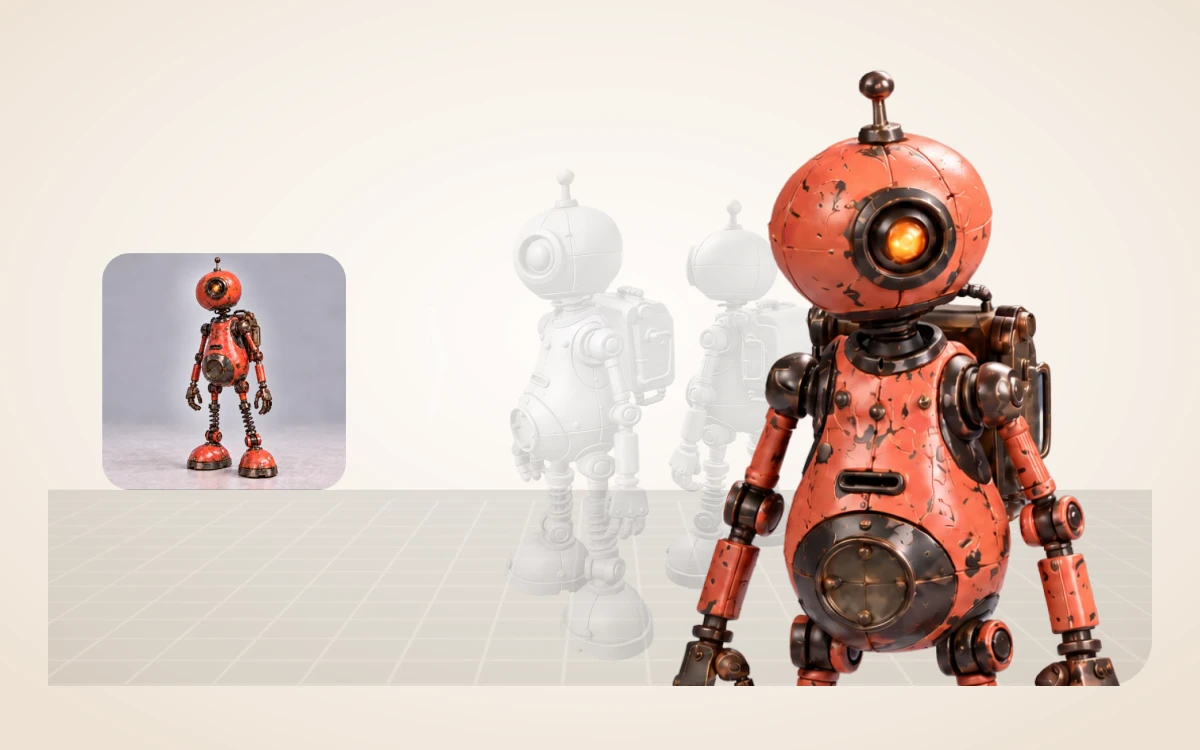
Choose Standard or Fast & BBox ratios
Use Fast (10 credits) for quick draft exploration or Standard (40 credits) for full PBR geometry. Optionally set thinking effort, mesh targets and BBox width/height/length ratios.
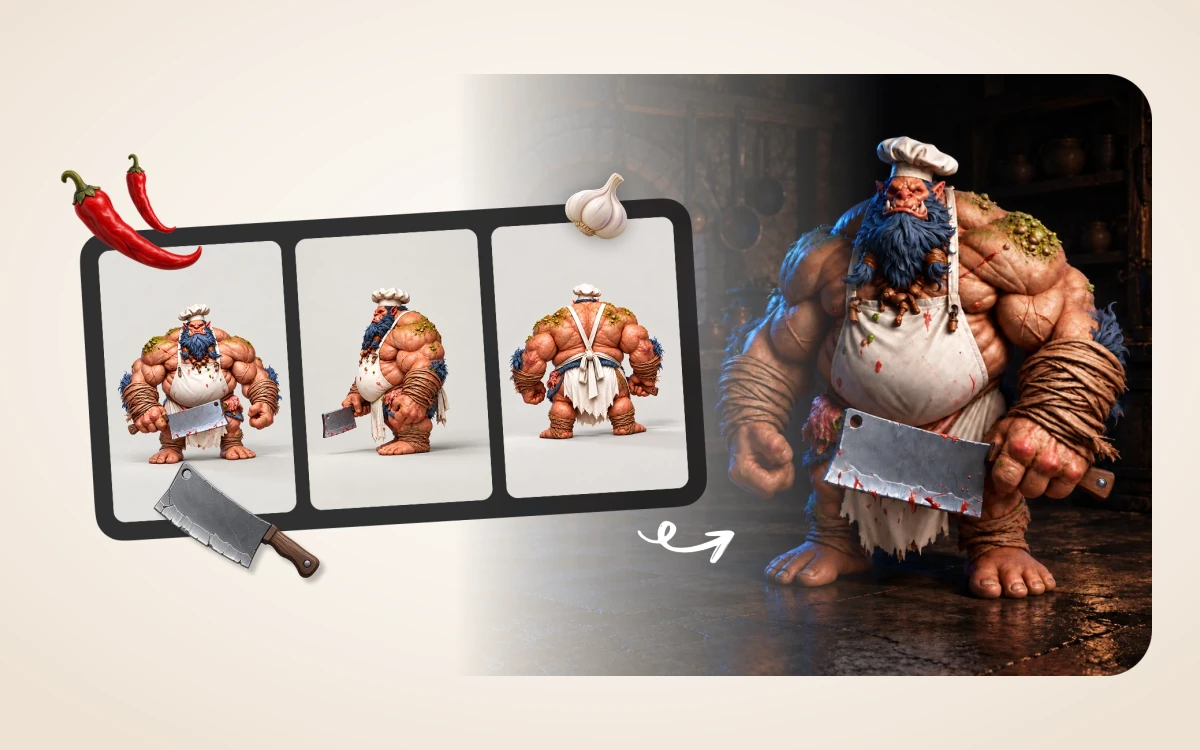
Consistent branching from every generation
Every completed GLB stays archived in your account so you can jump straight into part segmentation, retexturing, low-poly or rigging without regenerating.
Example prompts
Golden star ornament
A complete golden five-point star ornament, thick beveled edges, warm metallic finish, isolated single solid object.
Workflow examples
Illustrative ways to plan, generate, and review your work.
3D Model workflow examples
One clear object or multi-angle views
Use a clean silhouette with the complete object in frame. Upload up to 5 PNG, JPEG or WebP references; hidden surfaces are generated rather than measured.
Choose Standard or Fast & BBox ratios
Use Fast (10 credits) for quick draft exploration or Standard (40 credits) for full PBR geometry. Optionally set thinking effort, mesh targets and BBox width/height/length ratios.
Consistent branching from every generation
Every completed GLB stays archived in your account so you can jump straight into part segmentation, retexturing, low-poly or rigging without regenerating.
3D Model Pricing and Credit Plans
Cancel anytime
All 3D, image, video and creative tools share universal Credits (1 US cent = 1 credit). Exact quotes appear before every submission, and failed runs automatically release reserved credits. Local 3D viewing and exports use 0 credits.
Pay once annually; receive 1/12 of your annual Credits each month. The first allocation arrives after payment, then monthly. Tax included. Each allocation expires at the next subscription month or paid-year end.
Lite
50% off0.025 / credit
$14.9/month equivalent · Billed $179· Save $179.8
Annual total: 7,200 credits, issued monthly
Video Models


Image Models


- Includes MiniMax H3 and all premium models
- Up to 1 batch generation task
- Standard generation speed
- Standard generation success rate
- Standard customer support
- Commercial Use License
Standard
50% off0.017 / credit
$24.9/month equivalent · Billed $299· Save $299.8
Annual total: 18,000 credits, issued monthly
Video Models
Image Models
- Includes MiniMax H3 and all premium models
- Up to 4 batch generation tasks
- Priority processing speed
- High generation success rate
- Priority customer support
- Commercial Use License
Pro
50% off0.014 / credit
$49.9/month equivalent · Billed $599· Save $599.8
Annual total: 43,200 credits, issued monthly
Video Models
Image Models
- Includes MiniMax H3 and all premium models
- Up to 10 batch generation tasks
- Fastest generation speed
- High generation success rate
- Dedicated account manager
- Commercial Use License
Max
50% off0.012 / credit
$99.9/month equivalent · Billed $1,199· Save $1,199.8
Annual total: 96,000 credits, issued monthly
Video Models
Image Models
- Includes MiniMax H3 and all premium models
- Up to 10 batch generation tasks
- Fastest generation speed
- High generation success rate
- Dedicated account manager
- Commercial Use License
Pay safely and securely with





















FAQ
Frequently asked questions
How are credits charged?
Each generation or processing step shows an exact quote before submission (e.g. Rodin Fast 10 credits, Standard 40 credits, BANG/Texture/PolyGen 15 credits, Rigging 20 credits). Failed runs automatically release reserved credits. Browser viewing, transforms and local exports use 0 generation credits.
What files can I continue editing?
Use a self-contained GLB smaller than 100 MB for further AI processing. Saved versions stay in your Assets library with all archived output dependencies.
What are the practical limits?
A reference image is not a dimensionally accurate scan. Fine structures, unseen surfaces and transparent materials need inspection before production use.
CTA
Give your next idea a 3D shape
Turn one to five reference images into a textured 3D model with Rodin 2.5 Standard or Fast. Inspect the geometry from every angle, download the GLB and continue refining the same asset.
Start creating